
Harbor - the XR solution empowering professional needs
Store, Design, Run, Analyze
Main use cases

Visualization
Simplify the interpretation and analysis of complex data with immersive 3D visualizations, anchored in your environment.

Guidance
Benefit from interactive guidance to execute complex procedures,
reduce errors, and speed up your processes.

Training
Develop skills independently or as a team
with immersive methods and enhance knowledge retention.

Enhancement
Engage your audience with captivating pre-sales journeys,
cultural tours, or interactive events.

Space planning
Test and validate your design concepts
by visualizing future equipment in 3D, directly in its intended context.
Our videos
Compatibility

Apple Vision Pro

Meta Quest 3

Pico 4

HoloLens 2

Magic Leap 2

Tablet/Smartphone
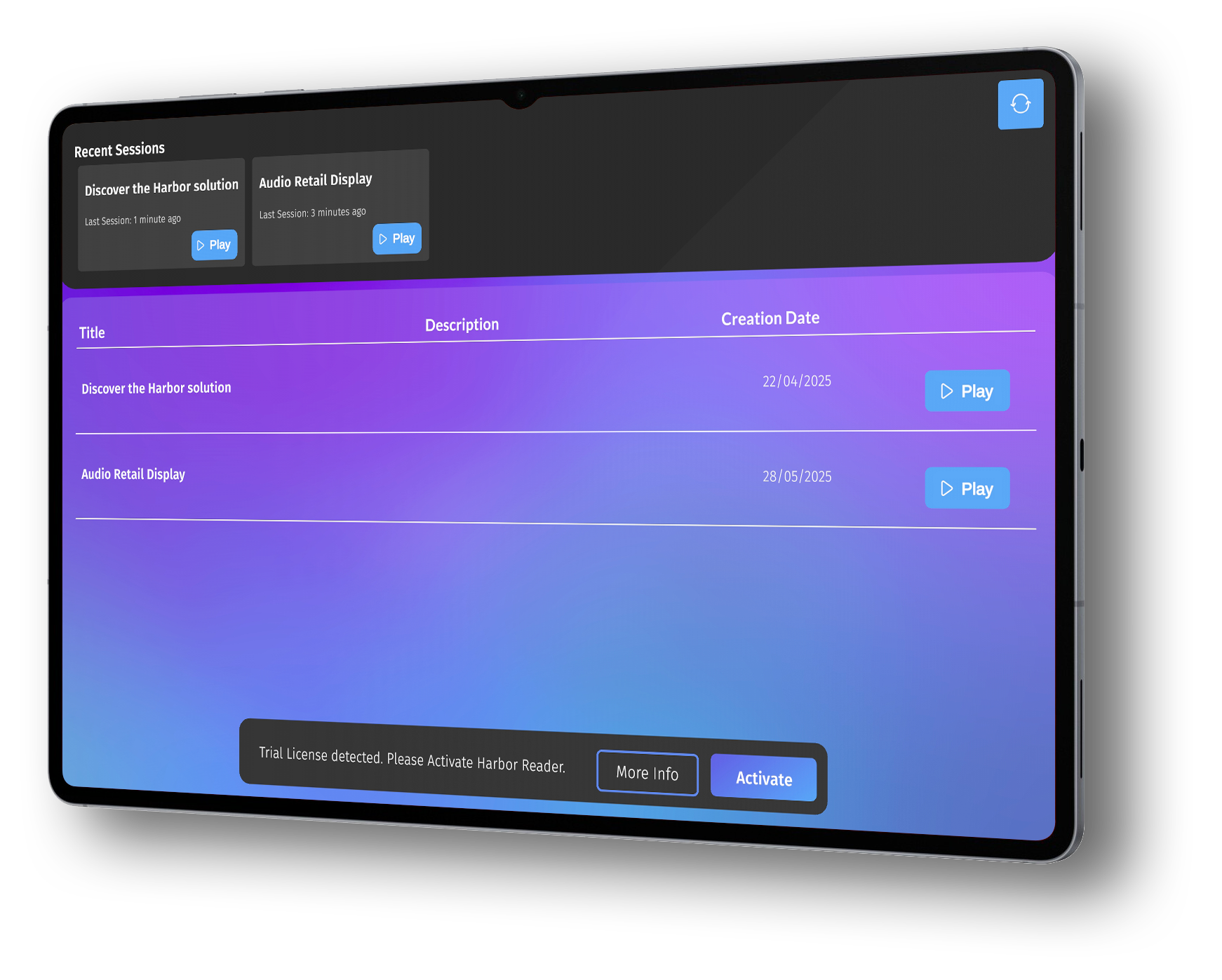
Try Harbor Reader on your Android devices
Install Harbor Reader now
on your Android smartphones and tablets.

The solution

STORE & CENTRALIZE YOUR content
Securely access your 3D models, training documents, images, videos, and audio files via a dedicated cloud space or your own servers.

CREATE & SCRIPT YOUR content
Easily structure your projects (training, guided procedures, space planning) with a customizable 3D editor.

INTERACT WITH YOUR scenarios
Use XR headsets, smartphones, or tablets to interact with your procedures simply and intuitively.

analyse & optimize your experiences
Usage data is automatically recorded at the end of your tasks for insights and improvements.
Creating experiences on Harbor

Step 1
Project creation

Step 2
Adding scenes

Step 3
Importing graphic content

Step 4
Visual content layout

Step 5
Adding transitions & animations
Pricing for Harbor

harbor platform
Harbor Platform enables organizations to create, manage, and deploy immersive XR experiences at scale.
Centralize your content, structure projects, and deploy immersive experiences across your organization.
Free
-
Access to Harbor Platform
-
Up to 3 projects
-
1 user
-
Up to 3 scenes per project
-
Real-time collaboration limited to 1 user
-
Up to 1 GB storage
79€/month
-
Unlimited projects
-
Unlimited users
-
Unlimited scenes per project
-
Unlimited collaboration
-
100 GB storage
-
Microsoft Guides import
-
Education 3D content library
-
Video integration in experiences
249€/month
-
Unlimited projects & users
-
Unlimited scenes
-
Unlimited collaboration
-
100 GB storage
-
CAD import
-
Microsoft Guides import
- Video integration in experiences
349€/month
-
Unlimited projects & users
-
Unlimited scenes
-
Unlimited collaboration
-
100 GB storage
-
DICOM import via Visible Patient
-
Healthcare 3D content library

harbor Apps
Harbor Apps allow users to run immersive experiences on XR devices for training, collaboration, and visualization.
Each device license can run experiences in Player or Reader mode depending on operational needs.
Free
-
Access immersive experiences
-
Basic object manipulation (move, explosion, scale…)
-
Offline access
-
Supports GLB, JPG, PNG, PDF
10€/month
-
Drawing & annotation
-
Laser pointer
-
Model parts interaction
-
Video playback
25€/month
-
Collision detection
- Precise manipulation
-
Measurement tools
-
Occlusion tools
-
Notes & annotations
-
Vidéo playback
30€/month
-
Model part visualization
-
Cutplane tools
-
Precise manipulation
-
Medical annotation tools
- Vidéo playback